Access Control Admin
Manage users, roles, and permissions through the Access Control Admin portal.
Last updated: 2026-01-26 Where to find it: Portal home (/) Who can use it: All signed-in users (visibility depends on role) Prerequisites: Active account and successful sign-in Help link: /getting-started
Portal sections
| Section | Description |
|---|---|
| Dashboard | Organization overview with quick actions and stats |
| Users | View and manage user accounts |
| Roles | Create and configure roles with permissions |
| User Profiles | Update your profile details |
| Invitations | Send and track pending invitations |
| Sessions | Monitor and revoke active user sessions |
| Settings | Manage account security and passkeys |
Getting started
- Sign In — Log in to the admin portal
- Dashboard — Review your organization overview
- Manage Users — Add and edit team members
- User Profiles — Update your profile details
- Onboarding — Set up new organizations (platform admins only)
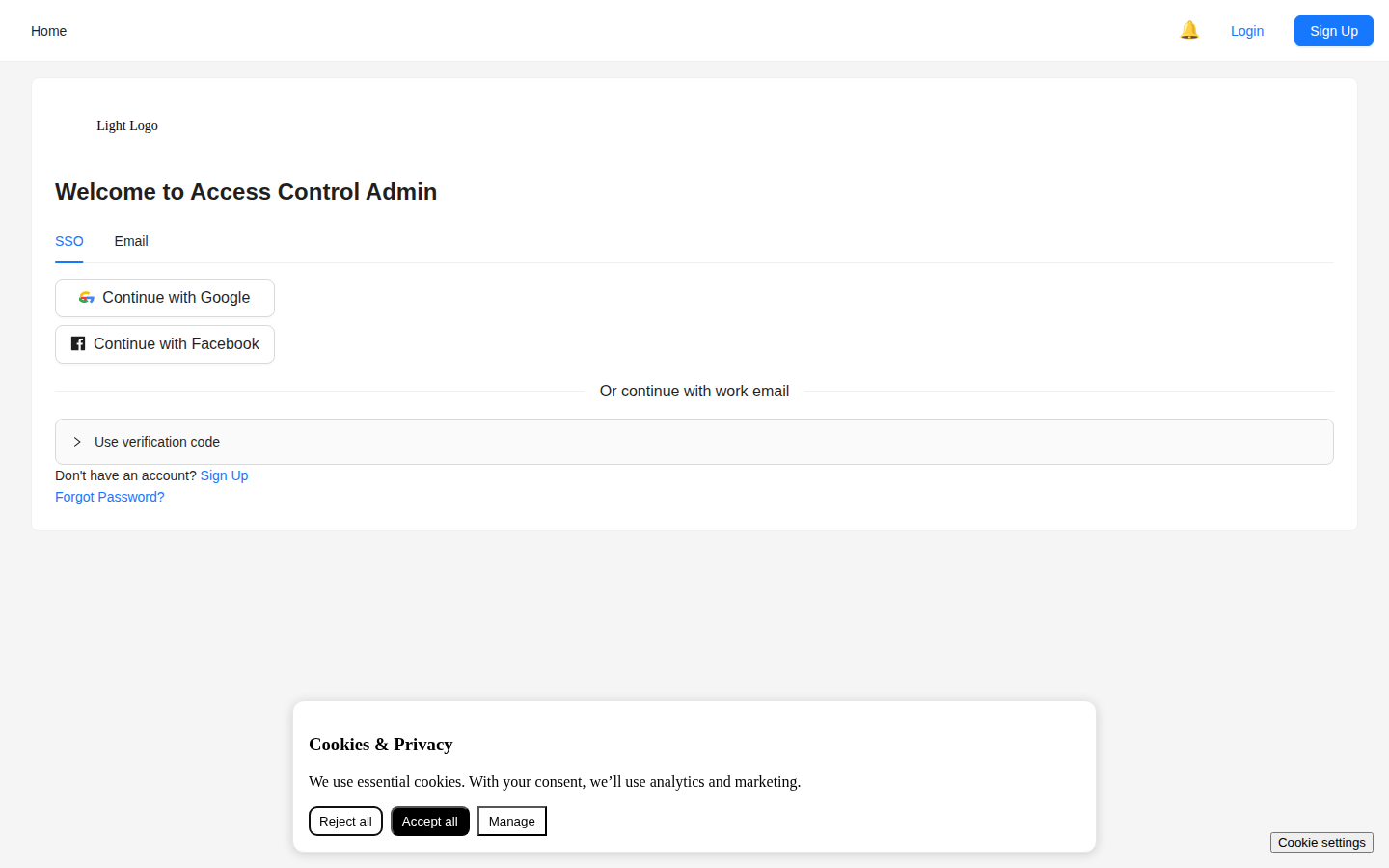
Screenshot / Callout
Expected outcome
- You can identify the correct section for your task.
- You can navigate to the right guide for detailed steps.
Related
- Authentication — Sign in and password reset
- User Management — Managing users and roles
- Admin Capabilities — Role-based access features
- FAQ — Common questions and answers